Help
Play States
Play By Clickable Map
Deploy: Click on territory to deploy, choose number to deploy and click again to make deployment
Assault: Click on a territory to Assault from, then on a territory to Assault (right click to Auto Assault)
Advance: Click on conquered territory to choose to advance, choose number to advance, then click again to advance. Click on conquering territory to advance zero.
Reinforce: Click on a territory to Reinforce from, then on a territory to Reinforce to. Click again to confirm.
Play By Keyboard and Mouse
N Key: Skip to next game, Jump to next game
B Key: Begin Turn
E Key: End Deployment, End Assaults, End Reinforcement
L Key: Later (decline to play spoils)
W,S Keys: Increase/decrease troop quantity (slow)
Q,A Keys: Increase/decrease troop quantity (fast)
Mouse Wheel: Change troop quantity by scrolling over the selected region.
CTRL Key + Click: You can always use CTRL-click instead of the right mouse button.
Middle Click: To advance to next stage (Begin Turn, End Assaults, etc.) click the middle mouse button anywhere on the map.
2018-03-08 00:25:33 - Otnal: I sorta figured that stack would steer you in a more positive direction
2018-03-08 01:19:46 - Otnal: not trying to be critical, but some friendly advice, you are openining up way to much shit far more than you are prepared to handle
2018-03-08 01:22:05 - Otnal: and I am not being sarcastic or anything that is for real!!
2018-03-08 01:22:37 - Otnal: you have handed me bonus
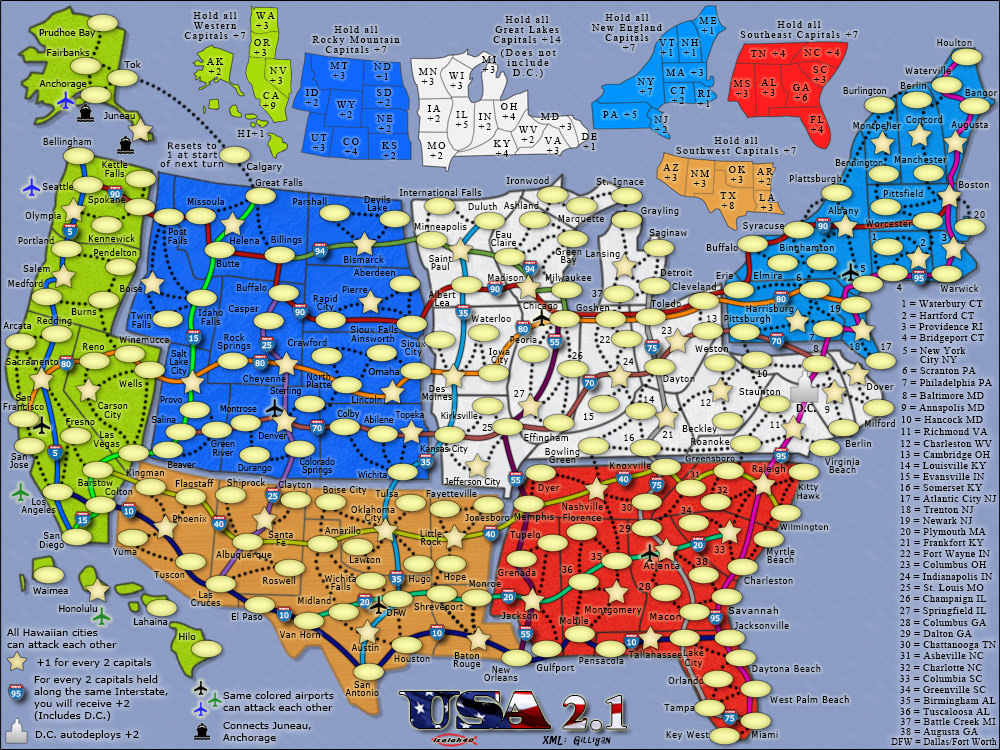
2018-03-08 12:51:11 - Elaterate: I know. Thanks for advice. Only second time playing this map and both times was trench and fog which is bad combo lol. Especially since sometimes I forget I'm playing trench
2018-03-08 13:08:25 - Otnal: the adjacent forts makes it tricky as well
2018-03-09 22:46:54 - Otnal: gg